Embed guide
Embed a golf course map in one line
How to put an interactive golf course map on your club website, step by step, for every common site builder.
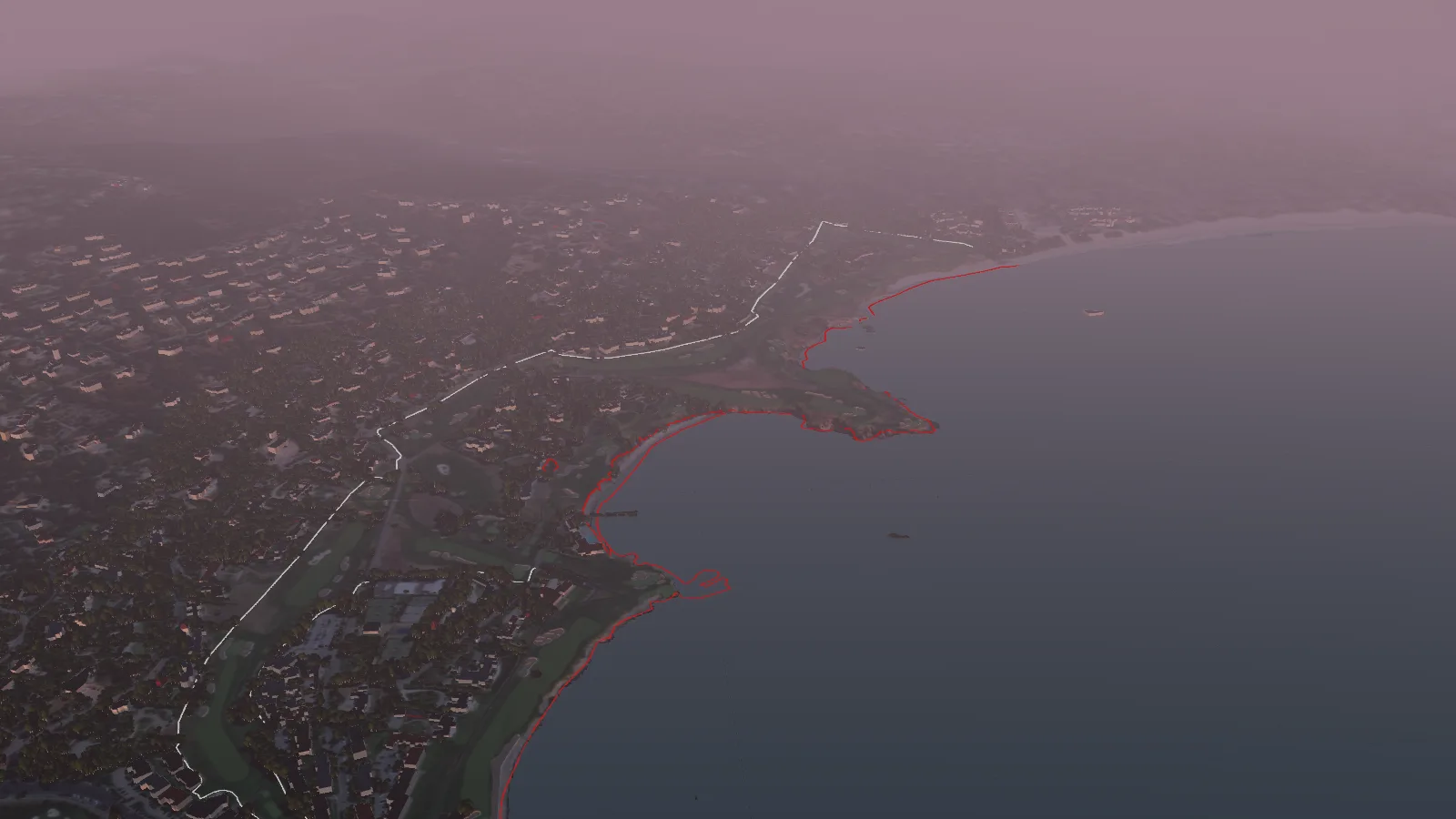
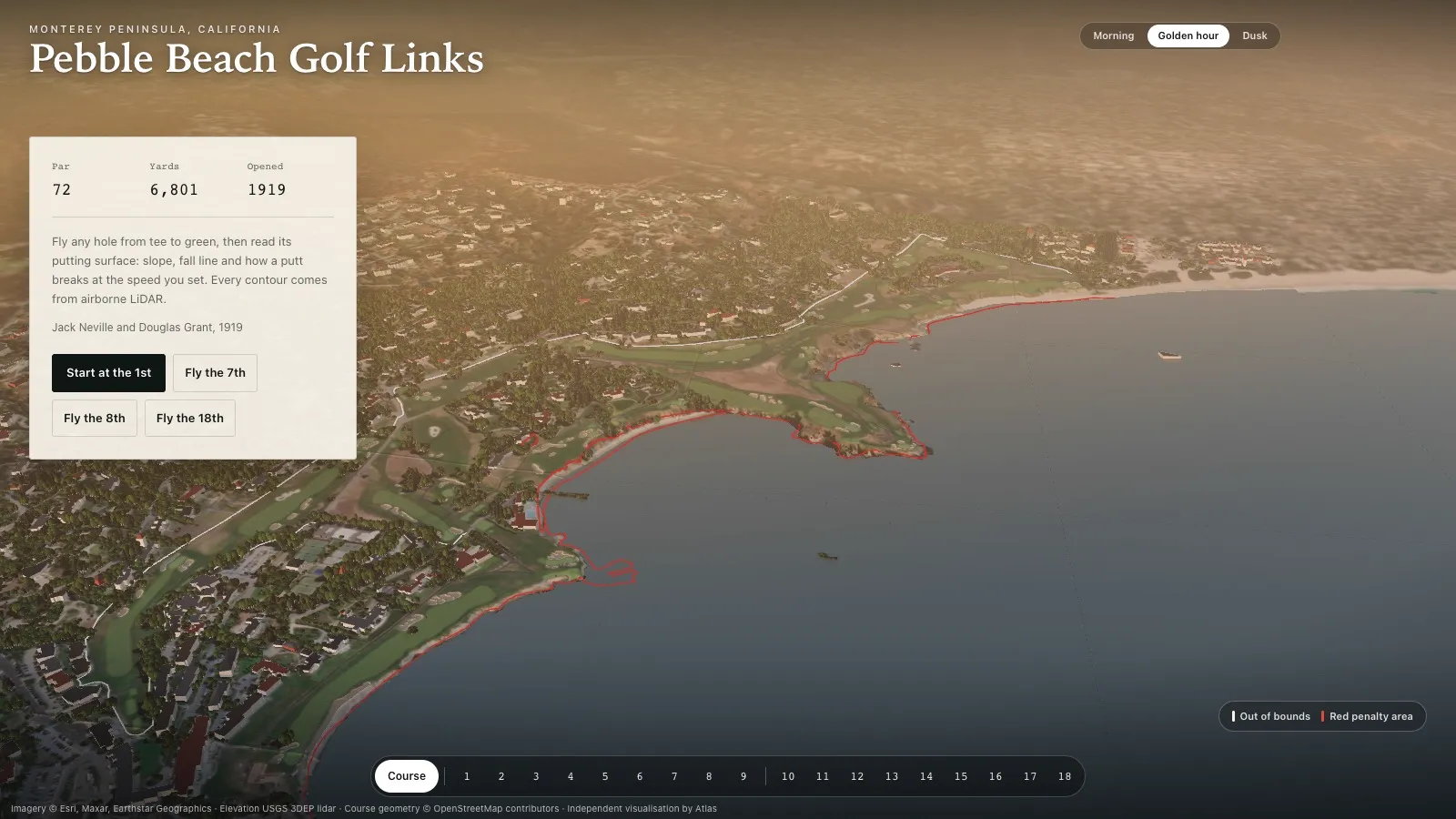
To embed a golf course map on your website, you paste one <iframe> tag into the page. That is the whole job. There is no plugin to install, no app to maintain and nothing to host yourself. The map on the right is embedded exactly this way.
This guide shows the code, then walks through WordPress, Squarespace, Wix, Webflow and plain HTML. If you don't have a map yet, start with what a 3D golf course map includes.
The embed code
This is the real snippet for our Pebble Beach Golf Links 3D map. Yours looks the same, with your own map link in the src.
<iframe src="https://app.atlas.co/shared/Po0Qb5dh5FIj0BWu30Ww?interfaceId=3Tun2jezjfOTenppTvrp" width="100%" height="600" frameborder="0" allow="fullscreen; clipboard-write; geolocation; accelerometer; gyroscope; magnetometer" title="Pebble Beach Golf Links in 3D"></iframe>What each part does:
srcis your map's address. We give you this.width="100%"makes the map fill the column it sits in.height="600"sets the height in pixels. Change it to suit your layout.allowgrants fullscreen, copying links, phone GPS for "Where am I?" and motion sensors. Keep it as it is.titlenames the map for screen readers. Use your course name.
Step by step
How to embed a golf course map on your website
- Step 1
Get your embed code
Once your course map is ready, we send you a single iframe line with your map link in it.
- Step 2
Open the page you want to edit
Usually your course page, a booking page or a dedicated "The course" page in your website builder.
- Step 3
Add an HTML or code block
Every major website builder has one: Custom HTML in WordPress, Code in Squarespace, Embed HTML in Wix, Code Embed in Webflow.
- Step 4
Paste the iframe
Paste the line exactly as you received it. Keep the allow attribute so fullscreen and phone GPS work.
- Step 5
Set the height and publish
Give the map at least 500 to 600 pixels of height on desktop, check it on a phone, then publish the page.
Platform by platform
WordPress
- Open the page in the block editor.
- Click + and add a Custom HTML block.
- Paste the iframe and use Preview to check it.
- Click Update or Publish.
Using the classic editor? Switch to the Text tab before pasting, or WordPress will show the code as text. Page builders such as Elementor have their own HTML widget that works the same way.
Squarespace
- Edit the page and click an insert point (+).
- Choose a Code block.
- Paste the iframe, make sure the mode is set to HTML, and apply.
- Save and check the page on mobile.
Code blocks are not available on every Squarespace plan. If you can't find one, check your plan settings.
Wix
- In the editor, click Add Elements, then Embed Code.
- Choose Embed HTML.
- Select Code, paste the iframe and click Update.
- Drag the element's handles to make it wide and tall enough, then publish.
Wix places embeds in a fixed-size box, so set the size on both the desktop and mobile views.
Webflow
- Open the Add panel and drag a Code Embed element onto the page.
- Paste the iframe and click Save & Close.
- Give the element or its parent a width and height in the Style panel.
- Publish the site. Embeds don't always render inside the Designer.
Plain HTML
Paste the iframe where you want the map to appear, inside the <body>. If you want the map to keep a 16:9 shape on every screen, wrap it like this:
<div style="position:relative;width:100%;aspect-ratio:16/9;min-height:420px">
  <iframe src="YOUR-MAP-LINK" style="position:absolute;inset:0;width:100%;height:100%;border:0"
    allow="fullscreen; clipboard-write; geolocation; accelerometer; gyroscope; magnetometer"
    title="Our course in 3D"></iframe>
</div>
Tips for a good-looking embed
- Give it room. A 3D course map needs height. Under about 450 pixels, the hole buttons and course card feel cramped.
- Go full width. Put the map in a wide section rather than a narrow sidebar column.
- Add a line of context. A short sentence above the map ("Fly every hole, tee to green") tells visitors it is interactive.
- Load on click on long pages. Show a still image with a play button and load the map when someone clicks it. It keeps the page quick.
- Link to it. Mention the map in booking confirmations, newsletters and social posts. Our golf course marketing ideas article has more on this.
Prefer a lighter map?
The same embed works for our 2D interactive golf course map, a digital yardage book with a scorecard by tee and phone GPS. It is quicker to load and suits clubs that want a practical course guide more than a showpiece.
FAQ
Embedding, answered
Will the embedded map slow down my website?
Does the embed work on phones?
Why does the iframe ask for geolocation?
geolocation permission lets features such as "Where am I?" show a golfer's position on the course from their phone. The browser always asks the visitor first. The other permissions cover fullscreen, copying a link and the phone's motion sensors.Can I put the map on more than one page or site?
Do I need a developer to embed the map?
What if my site builder strips out iframes?
One line of code. Every hole.
Send us the name of your course. We build it in 3D from LiDAR and imagery, and you paste one line of code into your website.